№ 0543GitHub
mortiφ
A local browser GUI for an existing Muse Code install, offering a persistent view of projects, tasks, conversations, permissions, activity and working-tree changes over Muse's session protocol.
aeroknight786/mortiphiREADME ↗
# mortiφ [](https://github.com/Aeroknight786/mortiphi/actions/workflows/ci.yml) A focused local browser GUI for your existing Muse Code installation. 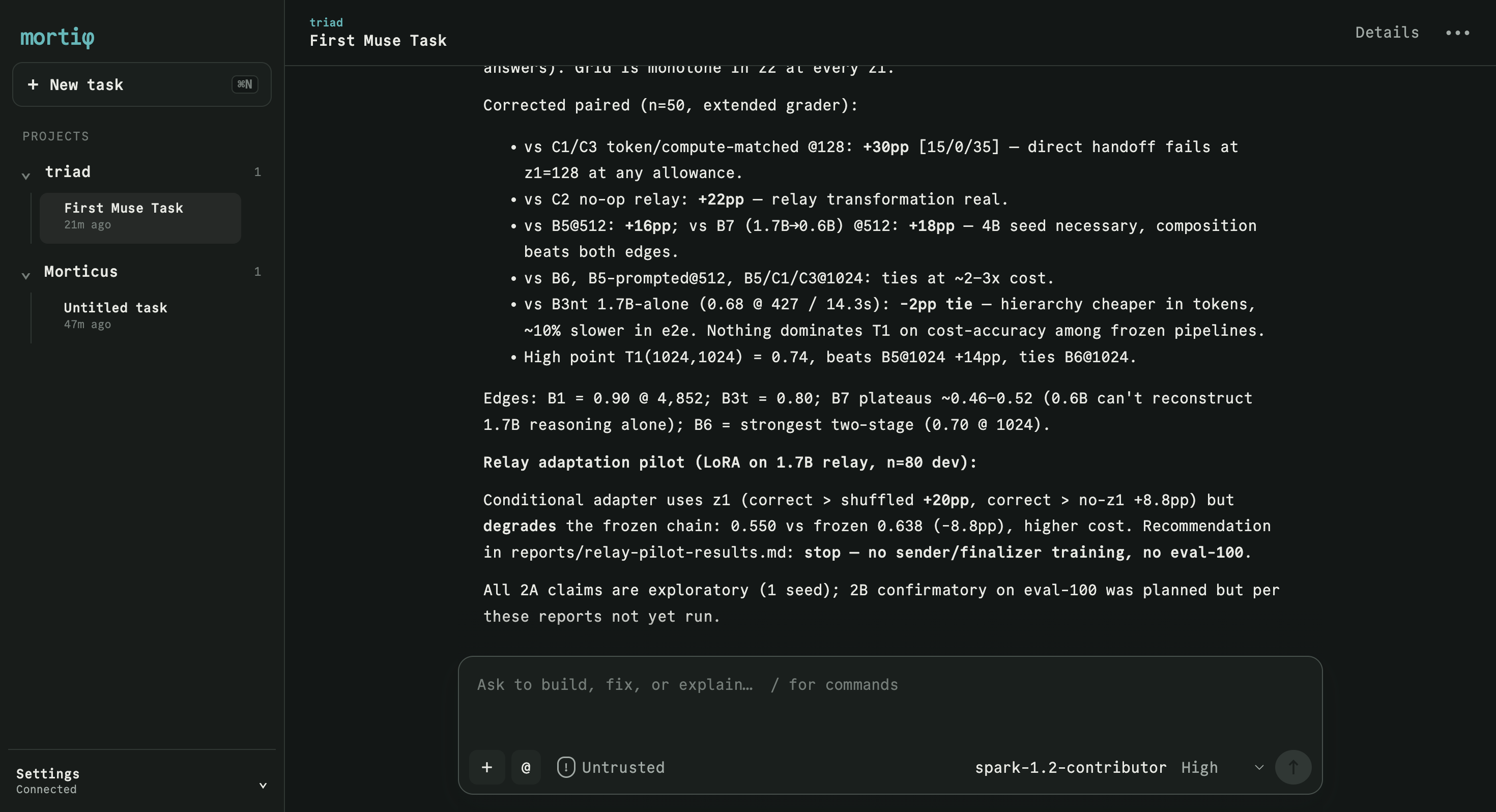 mortiφ gives Muse Code a calm, persistent interface for projects, tasks, conversations, model and permission settings, activity, and working-tree changes. Muse remains the source of truth: mortiφ detects the installation already on your machine and connects to its session protocol. ## Install You need: - Node.js 20 or newer - Muse Code installed and authenticated - `muse --version` working in a terminal Then install and start mortiφ: ```sh npm install --global mortiphi mortiphi ``` Or run it without keeping a global installation: ```sh npx mortiphi ``` mortiφ finds Muse Code, starts on an available `127.0.0.1` port, and opens the GUI in your default browser. Press Ctrl+C in the launching terminal to stop the local server. Your session data remains owned by Muse. ## What you can do - Continue existing Muse projects and sessions - Start, stop, queue, steer, and resume coding tasks - Choose runtime-provided models, reasoning effort, and permissions - Respond to approvals and structured questions - Review activity and current working-tree changes - Attach images and reference workspace files - Recover live state after reloads and reconnects ## Command options ```text --port <number> Use a specific loopback port --muse-bin <path> Use a specific Muse executable --no-open Do not open the browser automatically -V, --version Print the mortiφ version -h, --help Show help ``` If automatic detection fails, provide the executable explicitly: ```sh mortiphi --muse-bin /absolute/path/to/muse ``` ## Security Workspace skills and rules are disabled by default. If you trust the repositories you will open, launch with `MORTIPHI_TRUST_WORKSPACE=1 mortiphi` to load their skills and rules (including tools that require workspace trust). This applies to every session opened by that server process. The application binds exclusively to `127.0.0.1`, rejects foreign Host and Origin headers, uses a per-launch SameSite session cookie and CSRF token, and authorizes workspace access through



 ChatForm
 Tgmlabs